
BIG support for the little guys!


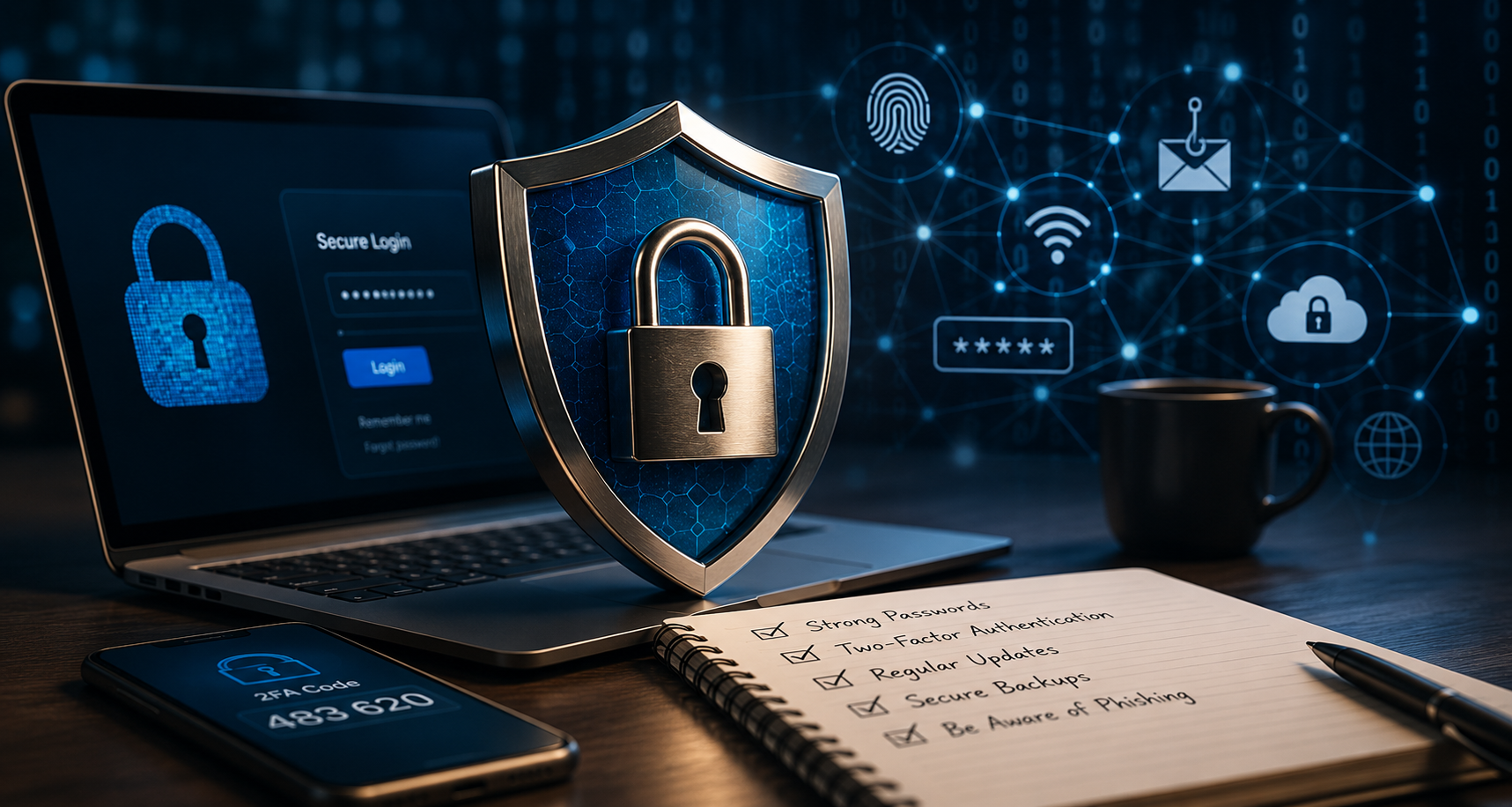
Running a website, managing online services, and maintaining customer accounts comes with responsibilities that many people never think about until something goes wrong. At SingleBuck, we believe security shouldn’t be reserved for large corporations with dedicated IT departments. Small businesses, creators, nonprofits, and entrepreneurs deserve strong protection too.
That’s why security isn’t an afterthought at SingleBuck. It’s built into the experience.
Why Security Matters
Many people assume that cybercriminals only target large organizations. In reality, automated attacks happen every day against websites of every size. Small businesses are often targeted because attackers assume they have fewer protections in place.
Common threats include:
- Stolen or leaked passwords
- Phishing emails designed to trick users into revealing login details
- Automated bots attempting account registrations
- Password guessing attacks
- Unauthorized access to sensitive account areas
- Malware and compromised websites
The good news is that many of these risks can be significantly reduced through a few simple security habits.
Security Shouldn’t Be Complicated
You shouldn’t need a degree in cybersecurity to protect your website.
At SingleBuck, we believe technology should help people, not overwhelm them. That’s why we build security measures directly into our services whenever possible.
Rather than expecting every customer to become a security expert, we aim to provide practical tools, guidance, and safeguards that help protect your account behind the scenes.
Why We Require Extra Verification
Some areas of your SingleBuck account can access powerful tools and sensitive information, including:
- Hosting management
- Website administration tools
- Billing records
- Account settings
- Service documents
- Security preferences
- Support-related account actions
Because these areas can impact your business, we may require stronger verification before allowing access.
This extra step helps ensure that even if someone obtains your password, they cannot immediately gain control of your services.
Two-Factor Authentication (2FA)
Two-Factor Authentication adds a second layer of protection to your account.
Instead of relying only on a password, you’ll also verify your identity using an approved method such as:
- An authenticator app
- A passkey
- Biometric verification
- Another supported authentication method
Think of it this way:
Password Only
If someone discovers your password, they may gain access to your account.
Password + 2FA
Even if someone knows your password, they still need your second verification method before they can continue.
This simple step dramatically improves account security.
For detailed setup instructions, visit our Account Security knowledge base article:
→ /knowledgebase/account-security/
Authenticator Apps
Authenticator apps generate temporary verification codes that change regularly.
Popular options include:
- Google Authenticator
- Microsoft Authenticator
- 2FAS Authenticator
- Authy
- Bitwarden Authenticator
You can download these applications from your device’s official app store.
iPhone and iPad
Use the Apple App Store.
Android Devices
Use Google Play.
Always download authenticator apps from trusted sources and avoid unknown third-party websites.
Passkeys and Biometric Security
Modern devices often support passkeys and biometric verification.
Examples include:
- Face ID
- Touch ID
- Windows Hello
- Device PIN protection
- Hardware security keys
Passkeys can be easier to use than manually entering codes while also helping reduce the risk of phishing attacks.
Use Strong, Unique Passwords
Passwords remain important.
A strong password should:
- Be difficult to guess
- Avoid common words or phrases
- Be unique to each account
- Never be reused across multiple websites
Password managers can help generate and securely store complex passwords.
Recognize Phishing Attempts
Phishing attacks attempt to trick you into sharing sensitive information.
Watch for:
- Unexpected emails requesting login details
- Messages creating a false sense of urgency
- Links that lead to unfamiliar websites
- Poor grammar or unusual wording
- Requests for verification outside normal channels
If something doesn’t feel right, pause and verify before proceeding.
Keep Your Devices Updated
Security updates exist for a reason.
Whenever possible:
- Install operating system updates
- Update your web browser
- Keep plugins and applications current
- Remove software you no longer use
Updates often address vulnerabilities discovered after software is released.
Save Backup Codes Securely
If backup codes are provided during account setup:
- Store them in a safe location.
- Do not save them publicly.
- Do not share them with others.
- Replace them if you believe they have been exposed.
Backup codes can help you regain access if your primary authentication method becomes unavailable.
Security Is a Shared Responsibility
At SingleBuck, we work hard to provide secure systems, practical safeguards, and educational resources designed to help protect your digital services.
However, security works best when we work together.
You play an important role by:
- Using strong passwords
- Enabling Two-Factor Authentication
- Staying alert for phishing attempts
- Keeping your devices updated
- Protecting your login credentials
We’ll continue doing our part by building thoughtful protections into the services we provide.
Big Support for the Little Guys
Security shouldn’t be a luxury available only to organizations with dedicated cybersecurity teams.
Whether you’re launching your first website, running a small business, growing a nonprofit, or building something new, you deserve access to practical security measures that help protect what you’ve worked hard to create.
At SingleBuck, we believe helping people means more than providing hosting or software.
It means helping you stay secure, informed, and confident online.
Related Knowledge Base Articles
- Account Security (2FA):
/knowledgebase/account-security/ - Hosting & Control Panel:
/knowledgebase/hosting-control-panel/ - Getting Started:
/knowledgebase/getting-started/ - Troubleshooting:
/knowledgebase/troubleshooting/ - Frequently Asked Questions:
/knowledgebase/faq/